Sorry, we can't find the page you're looking for (404 error)
It might have been moved or deleted, or there could be a mistake in the address. Please check and try again, or choose one of the options below.
Search the site Return to the homepageAlternatively, email serviceline@soton.ac.uk to report a problem.
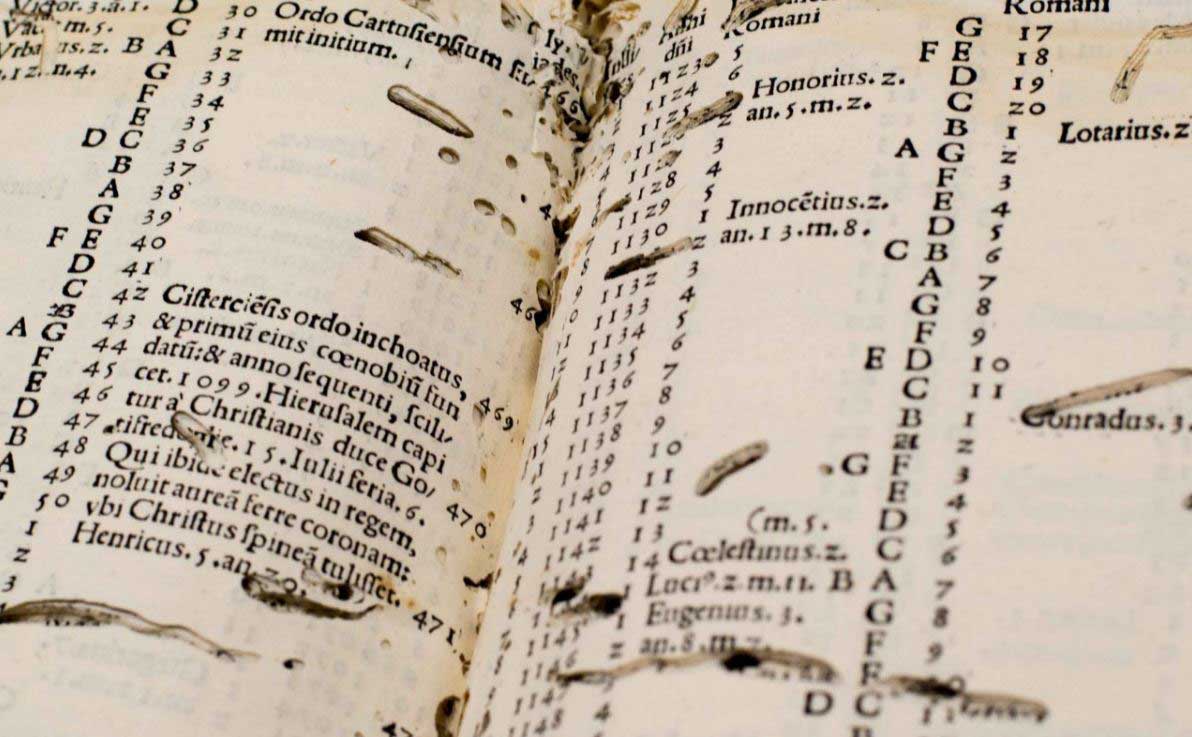
Is it lost in a wormhole?
The modern concept of the wormhole comes from the tunnels eaten through the pages of manuscripts and printed books by bookworms.
An Anglo-Saxon riddle complains about this ‘thief in the darkness’ eating glorious words but never being the wiser. The teachers and researchers in our Centre for Medieval and Renaissance Culture don’t make the same mistake.