
About
A brief description of who you are and what you do.
This section will only display on your public profile if you’ve added content.
You can update this in Pure (opens in a new tab). Select ‘Edit profile’. Under the heading and then ‘Curriculum and research description’, select ‘Add profile information’. In the dropdown menu, select - ‘About’.
Write about yourself in the third person. Aim for 100 to 150 words covering the main points about who you are and what you currently do. Clear, simple language is best. You can include specialist or technical terms.
You’ll be able to add details about your research, publications, career and academic history to other sections of your staff profile.
Research
Your current research, published research topics, projects and groups.
This section will only display on your public profile if you’ve added content.
You can update the information for this section in Pure (opens in a new tab).
Research groups
Any research groups you belong to will automatically appear on your profile. Speak to your line manager if these are incorrect. Please do not raise a ticket in Ask HR.
Research interests
Add up to 5 research interests. The first 3 will appear in your staff profile next to your name. The full list will appear on your research page. Keep these brief and focus on the keywords people may use when searching for your work. Use a different line for each one.
In Pure (opens in a new tab), select ‘Edit profile’. Under the heading 'Curriculum and research description', select 'Add profile information'. In the dropdown menu, select 'Research interests: use separate lines'.
Current research
Update this in Pure (opens in a new tab). Select ‘Edit profile’ and then ‘Curriculum and research description - Current research’.
Describe your current research in 100 to 200 words. Write in the third person. Include broad key terms to help people discover your work, for example, “sustainability” or “fashion textiles”.
Research projects
Research Council funded projects will automatically appear here. The active project name is taken from the finance system.
Publications
Public outputs that list you as an author will appear here, once they’re validated by the ePrints Team. If you’re missing any outputs that you’ve added to Pure, they may be waiting for validation.
Supervision
Current PhD Students
Contact your Faculty Operating Service team to update PhD students you supervise and any you’ve previously supervised. Making this information available will help potential PhD applicants to find you.
Teaching
A short description of your teaching interests and responsibilities.
This section will only display on your public profile if you’ve added content.
You can update your teaching description in Pure (opens in a new tab). Select ‘Edit profile’. Under the heading and then ‘Curriculum and research description’ , select ‘Add profile information’. In the dropdown menu, select – ‘Teaching Interests’. Describe your teaching interests and your current responsibilities. Aim for 200 words maximum.
Courses and modules
Contact the Curriculum and Quality Assurance (CQA) team for your faculty to update this section.
External roles and responsibilities
You can update your external roles and responsibilities in Pure (opens in a new tab). Select ‘+ Add content’ and then ‘Activity’, your ‘Personal’ tab and then ‘Activities’. Choose which activities you want to show on your public profile.
You can hide activities from your public profile. Set the visibility as 'Backend' to only show this information within Pure, or 'Confidential' to make it visible only to you.
Biography
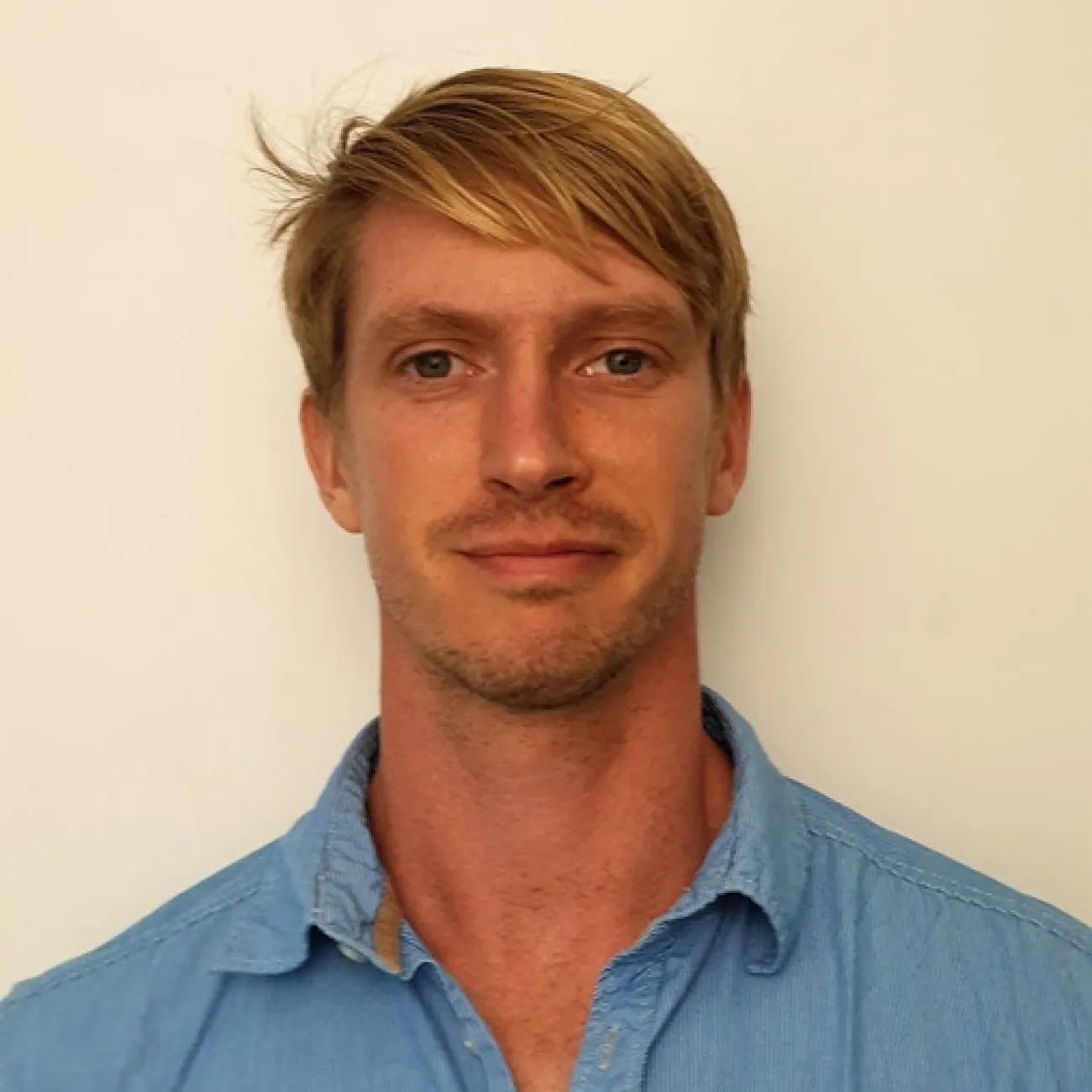
Dr Ralph Gordon is a Lecturer in Human Thermophysiology and Tissue Viability within the School of Health Sciences at the University of Southampton and a member of the Skin Sensing Research Group. His research focuses on understanding how thermal, mechanical, and microclimatic stresses interact to influence human physiology, tissue health, and injury risk. By integrating physiological, biomechanical, and sensing approaches, he aims to address key healthcare challenges relating to tissue viability, pressure ulcer prevention, and occupational heat stress.
His research investigates the physiological mechanisms underpinning tissue adaptation and tissue damage in both healthy and clinical populations. This includes studying thermomechanical interactions at the skin interface, skin microclimate, and the effects of thermal stress on human performance and health. A key aim of his work is to develop and validate innovative sensing technologies and monitoring approaches that can support earlier detection of risk, improve clinical decision-making, and optimise preventative interventions.
Ralph leads and contributes to multidisciplinary research programmes involving academics, healthcare professionals, engineers and industry partners. His research spans laboratory, clinical, and translational settings. Current projects focus on pressure ulcer prevention, healthcare worker resilience to heat, physiological monitoring technologies, and the role of microclimate management in maintaining tissue health.
Alongside his research, Ralph contributes to undergraduate and postgraduate education within the School of Health Sciences and supervises student researchers across a range of research projects. He is committed to supporting the development of future researchers and fostering interdisciplinary collaborations that translate physiological science into meaningful improvements in healthcare practice and patient outcomes.
Prizes
- Best Oral Presentation (2024)
You can update your biography section in Pure (opens in a new tab). Select your ‘Personal’ tab then ‘Edit profile’. Under the heading, and ‘Curriculum and research description’, select ‘Add profile information’. In the dropdown menu, select - ‘Biography’. Aim for no more than 400 words.
This section will only appear if you enter the information into Pure (opens in a new tab).
Prizes
You can update this section in Pure (opens in a new tab). Select ‘+Add content’ and then ‘Prize’. using the ‘Prizes’ section.
You can choose to hide prizes from your public profile. Set the visibility as ‘Backend’ to only show this information within Pure, or ‘Confidential’ to make it visible only to you.