Edit your staff profile

Your staff profile is made up of information taken from systems including Pure and Subscribe.  This page explains how to update each section of your profile.

Dr Yu-Shan Tseng

Senior Research Fellow

Research interests

  • AI and democracy
  • Platforms and cities 
  • Platforms and wellbeing 

More research

Accepting applications from PhD students.

Connect with Yu-Shan

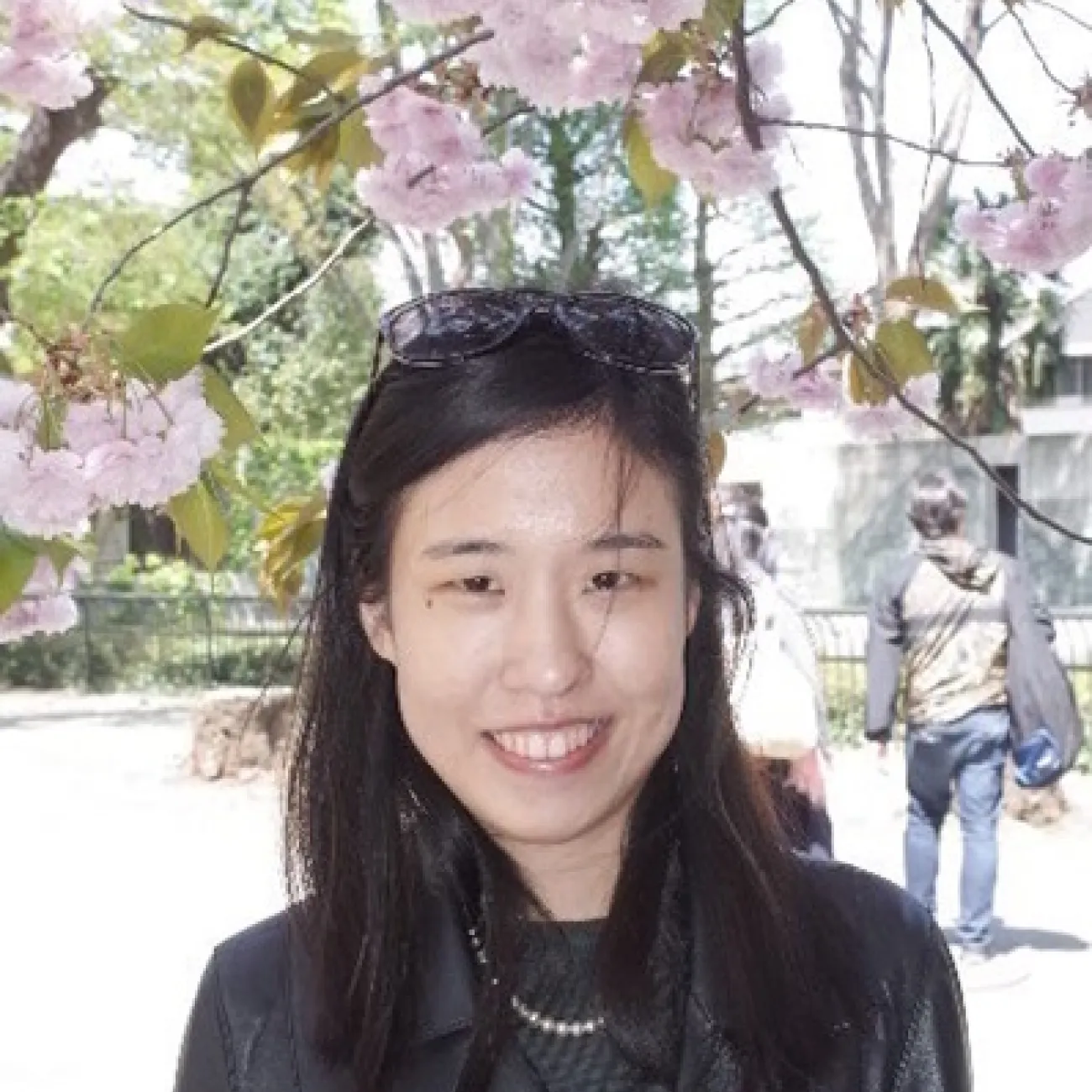
Profile photo 
Upload your profile photo in Subscribe (opens in a new tab). Your profile photo in Pure is not linked to your public staff profile. Choose a clear, recent headshot where you are easily recognisable. Your image should be at least 340 by 395 pixels. 

Name 
To change your name or prefix title contact Ask HR (opens in new tab)  If you want to update an academic title you'll need to provide evidence e.g. a PhD certificate. The way your name is displayed is automatic and cannot be changed. You can also update your post-nominal letters in Subscribe (opens in a new tab).

Job title 
Raise a request through ServiceNow (opens in a new tab) to change your job title (40 characters maximum) unless you're on the ERE career pathway. If you're on the ERE path you can not change your main job title, but you can request other minor updates through Ask HR (opens in new tab). If you have more than one post only your main job title will display here, but you can add further posts or roles in other sections of your profile.

Research interests (for researchers only) 
Add up to 5 research interests. The first 3 will appear in your staff profile next to your name. The full list will appear on your research page. Keep these brief and focus on the keywords people may use when searching for your work. Use a different line for each one.

In Pure (opens in a new tab), select ‘Edit profile’. Under the heading 'Curriculum and research description', select 'Add profile information'. In the dropdown menu, select 'Research interests: use separate lines'.

Contact details 
Add or update your email address, telephone number and postal address in Subscribe (opens in a new tab). Use your University email address for your primary email. 

You can link to your Google Scholar, LinkedIn and Twitter accounts through Pure (opens in a new tab). Select ‘Edit profile’.  In the 'Links' section, use the 'Add link' button. 

ORCID ID 
Create or connect your ORCID ID in Pure (opens in a new tab). Select ‘Edit profile’ and then 'Create or Connect your ORCID ID'.

Accepting PhD applicants (for researchers only) 
Choose to show whether you’re currently accepting PhD applicants or not in Pure (opens in a new tab). Select ‘Edit profile’. In the 'Portal details' section, select 'Yes' or 'No' to indicate your choice. 

About

I am a human geographer doing research on the topics of digital democracies (or political participations) and, more recently, on digital/AI wellbeing. I am familiar with interdisciplinary research in these topics and specialised in creative, comparative and mixed methods (in addition to more conventional ethnographic fieldwork). I have frequently been invited by leading journals (such as Nature Cities, Annals, Urban Studies, Urban Affairs, Political Geography, and Big Data and Society) to review papers on AI governance and the digital everyday in Taiwan, China, India, Spain and some other countries in the Global North. Currently, I am co-editing a Special Issue with Scott Rogers on 'ordinary democracy in digital cities' for the Urban Studies Journal. 

My recent interest is using Daoist thinking to develop a cosmology of feelings for rethinking subjectivity, empathy, and wellbeing as spiritual in online/urban spaces. Please find details about my research project 'Digital Wellbeing' at https://encounters.blog/about/

For potential PhD students, I am strongly interested in exploring Daoist philosophy (not as a religion) (or its Western 'equivalent' such as vitalism/phenomenology) as a non-authoritative way of conceptualising how 'life', 'feelings' and 'ethics' are experienced and governed in urban, health, and environmental crises or in digital spaces.

You can update this in Pure (opens in a new tab). Select ‘Edit profile’. Under the heading and then ‘Curriculum and research description’, select ‘Add profile information’. In the dropdown menu, select - ‘About’.

Write about yourself in the third person. Aim for 100 to 150 words covering the main points about who you are and what you currently do. Clear, simple language is best. You can include specialist or technical terms.

You’ll be able to add details about your research, publications, career and academic history to other sections of your staff profile.