
About
A brief description of who you are and what you do.
This section will only display on your public profile if you’ve added content.
You can update this in Pure (opens in a new tab). Select ‘Edit profile’. Under the heading and then ‘Curriculum and research description’, select ‘Add profile information’. In the dropdown menu, select - ‘About’.
Write about yourself in the third person. Aim for 100 to 150 words covering the main points about who you are and what you currently do. Clear, simple language is best. You can include specialist or technical terms.
You’ll be able to add details about your research, publications, career and academic history to other sections of your staff profile.
Research
Research interests
- Infection Prevention
- Underserved communities
- Digital health interventions
- Behaviour change
- Antimicrobial stewardship
Current research
Dr Miller’s current research focuses on developing behavioural and digital approaches to support prevention and self-management of infections in primary care, with a particular emphasis on urinary tract infections and underserved communities.
She is also co-leading initiatives to improve inclusive research practices, including the development of a community panel of neurodivergent people and people with learning disabilities to inform study design and delivery.
Alongside this, she contributes to the development and evaluation of digital interventions in primary care, including work on the Phased-In programme to support pharmacists delivering care for common infections.
You can update the information for this section in Pure (opens in a new tab).
Research groups
Any research groups you belong to will automatically appear on your profile. Speak to your line manager if these are incorrect. Please do not raise a ticket in Ask HR.
Research interests
Add up to 5 research interests. The first 3 will appear in your staff profile next to your name. The full list will appear on your research page. Keep these brief and focus on the keywords people may use when searching for your work. Use a different line for each one.
In Pure (opens in a new tab), select ‘Edit profile’. Under the heading 'Curriculum and research description', select 'Add profile information'. In the dropdown menu, select 'Research interests: use separate lines'.
Current research
Update this in Pure (opens in a new tab). Select ‘Edit profile’ and then ‘Curriculum and research description - Current research’.
Describe your current research in 100 to 200 words. Write in the third person. Include broad key terms to help people discover your work, for example, “sustainability” or “fashion textiles”.
Research projects
Research Council funded projects will automatically appear here. The active project name is taken from the finance system.
Publications
Public outputs that list you as an author will appear here, once they’re validated by the ePrints Team. If you’re missing any outputs that you’ve added to Pure, they may be waiting for validation.
Supervision
A list of your current and past PhD students.
This section will only display on your public profile if content has been added.
Contact your Faculty Operating Service team to update PhD students you supervise and any you’ve previously supervised. Making this information available will help potential PhD applicants to find you.
Teaching
A short description of your teaching interests and responsibilities.
This section will only display on your public profile if you’ve added content.
You can update your teaching description in Pure (opens in a new tab). Select ‘Edit profile’. Under the heading and then ‘Curriculum and research description’ , select ‘Add profile information’. In the dropdown menu, select – ‘Teaching Interests’. Describe your teaching interests and your current responsibilities. Aim for 200 words maximum.
Courses and modules
Contact the Curriculum and Quality Assurance (CQA) team for your faculty to update this section.
External roles and responsibilities
You can update your external roles and responsibilities in Pure (opens in a new tab). Select ‘+ Add content’ and then ‘Activity’, your ‘Personal’ tab and then ‘Activities’. Choose which activities you want to show on your public profile.
You can hide activities from your public profile. Set the visibility as 'Backend' to only show this information within Pure, or 'Confidential' to make it visible only to you.
Biography
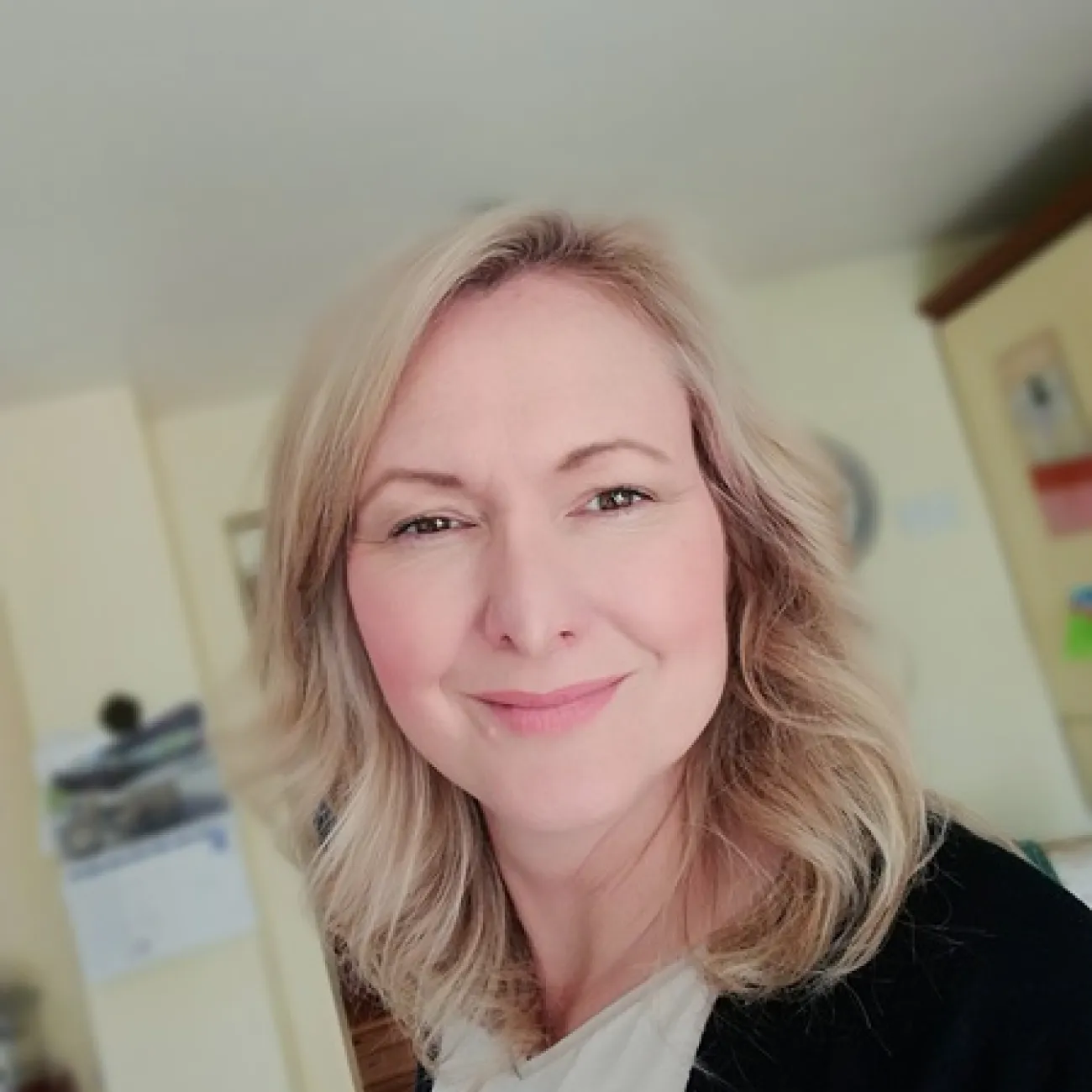
Dr Sascha Miller is a behavioural psychologist specialising in the development, evaluation and implementation of digital behaviour change interventions in primary care. Her work uses the Person-Based Approach to design interventions that are grounded in people’s lived experiences and are practical to use in everyday life.
Her research focuses on prevention, antimicrobial stewardship, research inclusion with a particular emphasis on underserved communities. She works closely with patients, healthcare professionals and community partners to understand the behavioural, psychological and contextual factors that influence how people manage their health.
Sascha completed her PhD in Psychology at the University of Southampton in 2022, where she focused on understanding and improving engagement with digital health interventions. During this work, she developed the Analysing and Measuring Usage and Engagement Data (AMUsED) framework, which supports the systematic analysis of how people use and engage with digital interventions.
She has contributed to the development and implementation of digital interventions for infection prevention and management in primary care, including nationally delivered programmes, providing experience of translating behavioural science into real-world impact.
She holds an MSc in Social and Organisational Psychology from the University of Exeter and a BSc (Hons) in Psychology from Solent University.
You can update your biography section in Pure (opens in a new tab). Select your ‘Personal’ tab then ‘Edit profile’. Under the heading, and ‘Curriculum and research description’, select ‘Add profile information’. In the dropdown menu, select - ‘Biography’. Aim for no more than 400 words.
This section will only appear if you enter the information into Pure (opens in a new tab).
Prizes
You can update this section in Pure (opens in a new tab). Select ‘+Add content’ and then ‘Prize’. using the ‘Prizes’ section.
You can choose to hide prizes from your public profile. Set the visibility as ‘Backend’ to only show this information within Pure, or ‘Confidential’ to make it visible only to you.